Backups and Recovery
VedTech automatically backs up your Odoo instance based on your plan. Access backups from your instance detail page.
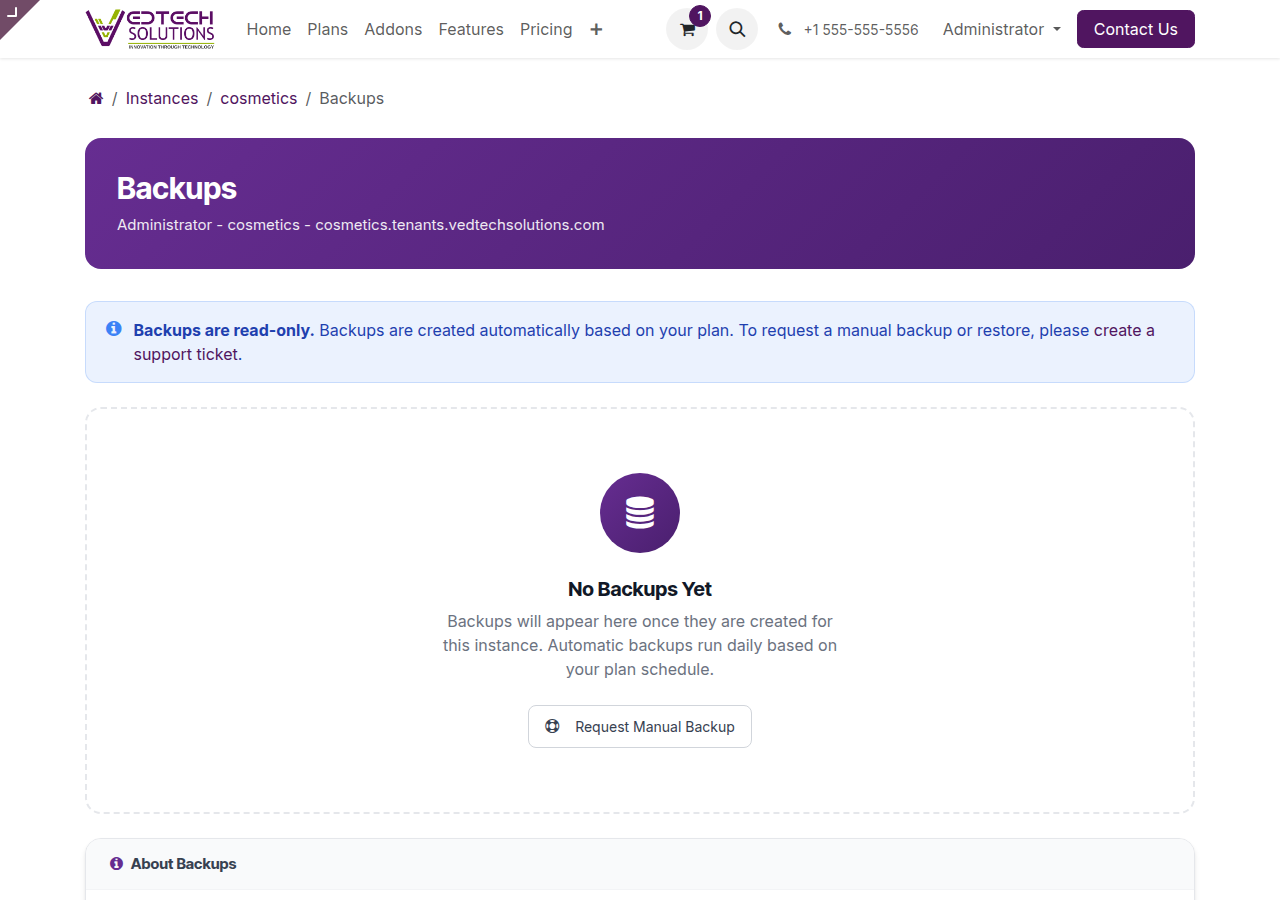
Backups Page
Backup Frequency by Plan
| Plan | Frequency | Retention |
|---|---|---|
| Free Trial | Daily | 7 days |
| Solo | Daily | 14 days |
| Starter | Daily | 30 days |
| Professional | Hourly | 30 days |
| Enterprise | Continuous | 90 days |
Requesting Manual Backup
- Navigate to your instance detail page
- Click Backups in Quick Actions
- Click Request Manual Backup
- Wait for the backup to complete
Downloading Backups
From the backups page, click the Download button next to any backup. The download includes:
- Database dump (PostgreSQL)
- File attachments
- Configuration data
Restoring from Backup
To restore from a backup, create a support ticket. Our team will assist with the restoration process to ensure data integrity.