Marketplace and Modules
Access your purchased modules at My Account > My Modules or visit /my/modules.
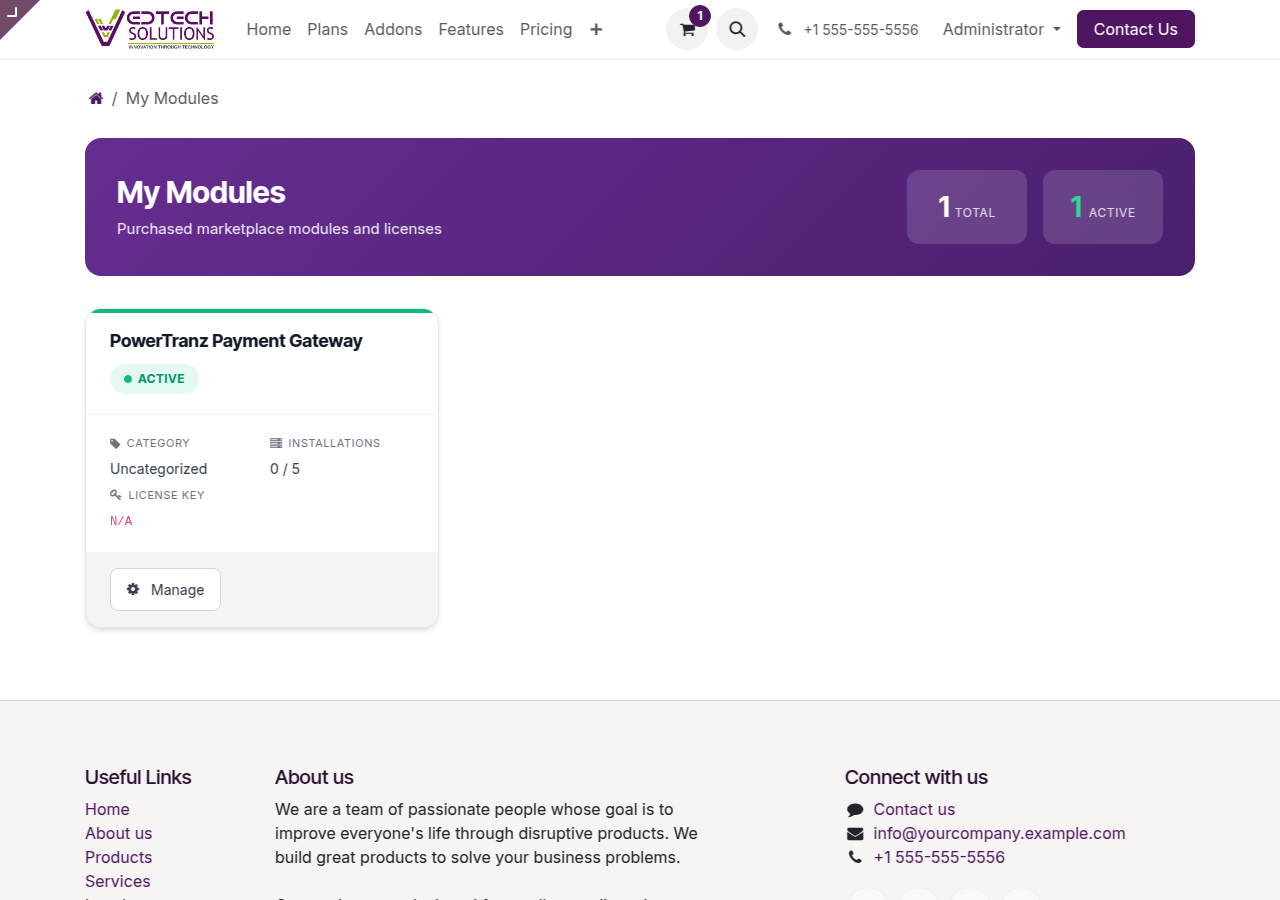
My Modules Dashboard
Browsing the Shop
Visit the Shop to browse available plans and add-ons.
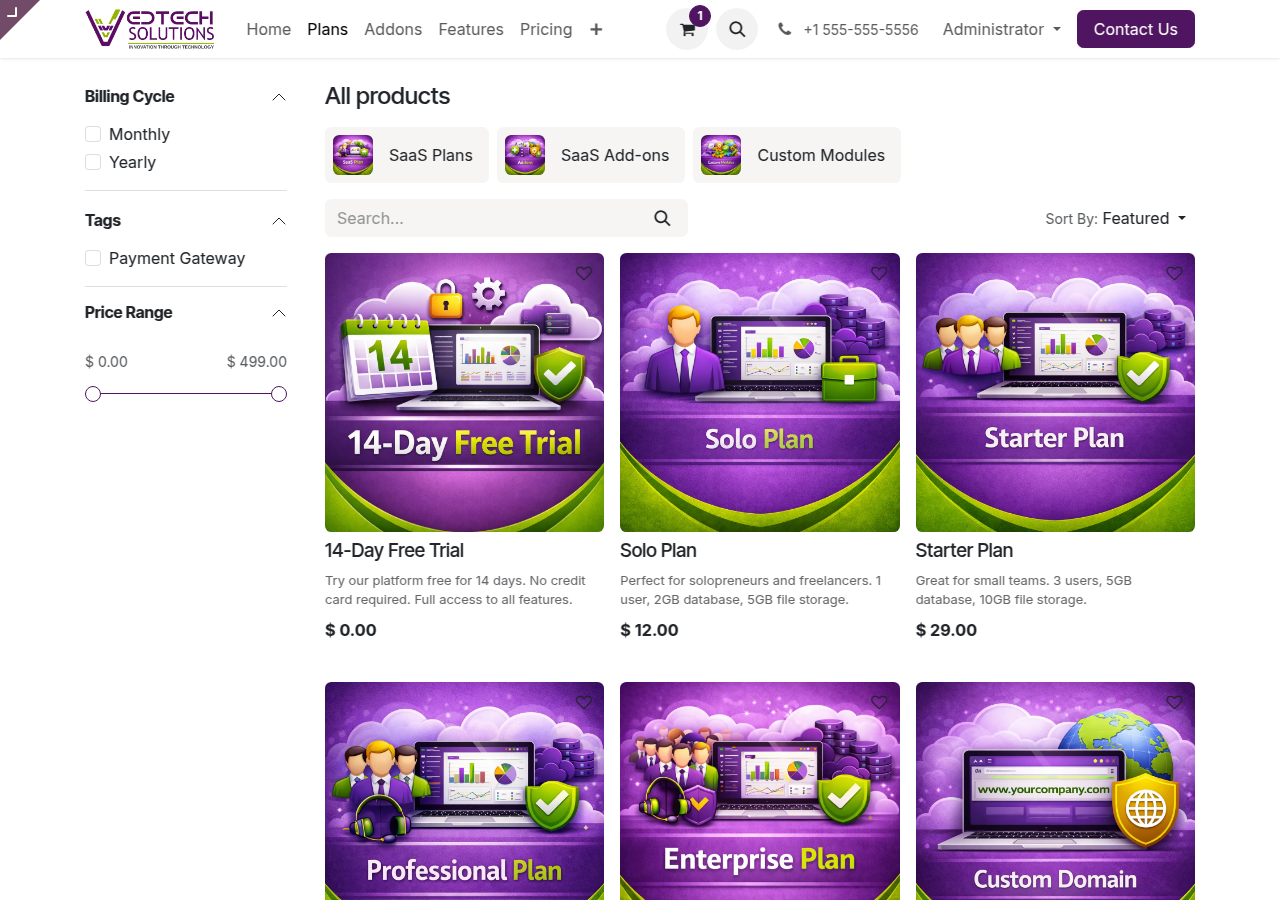
VedTech Shop
Installing Modules
- Purchase the module from the shop
- Navigate to My Modules
- Find the module and click Manage
- Select the instance to install on
- Click Install
Module Licenses
Each module purchase includes a license with a specific number of installations. Check your license status in the module details.